A laptop hinge rarely breaks all at once. It starts with a screen that wobbles while you type, a creak when you open the lid, or a small gap where the casing has begun to lift. The laptop still works, so most people carry on using it. That is usually when the real damage happens.
This guide covers the warning signs, what causes hinges to fail, the mistakes that make things worse, how a loose hinge can damage your screen, and what laptop hinge repair actually involves.
If your laptop has other faults too, our Windows laptop repair page lists everything we fix.
Every repair at The Repair Hospital starts with a free diagnosis and a written quote, and nothing is repaired until you approve it.


What does a laptop hinge do, and why does it fail?
The hinge is the metal bracket that joins the screen to the base and holds the screen at the angle you set. It is screwed into small threaded mounts in the lid and the base. The metal hinge itself rarely snaps. What usually fails is the mount it is screwed into.
On many laptops, these mounts are small metal inserts set into plastic. Each time you open and close the lid, the hinge twists against them. Over hundreds of openings, the plastic around a mount can crack and the insert can pull loose. Once that happens, the hinge has nothing solid to grip.
What are the signs of a failing laptop hinge?
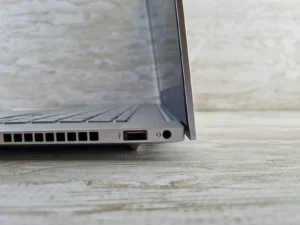
The early signs are a screen that wobbles or won’t stay up, a lid that feels looser or stiffer than before, creaking or clicking as you open it, and a gap or crack in the casing near the hinge. Flickering that changes as you move the lid means the display cable is already affected.
| What you notice | Likely cause | What to do |
|---|---|---|
| Screen wobbles or drops backwards while you type | Loose hinge screws, or a mount that has started to crack | Stop adjusting the lid often and get it checked while the fix is still small |
| Lid won’t stay up at any angle | Worn hinge, or a mount that has pulled loose | Rest the screen against something stable and book a diagnosis |
| Lid feels much stiffer than it used to | Hinge binding from dirt, wear or a bent part | Don’t force it. Stiffness puts extra strain on the mounts |
| Creaking or clicking when you open or close it | Mount or casing under strain | Open the lid gently from the centre until it is checked |
| Gap, bulge or crack in the casing near the hinge | Cracked mount pushing the casing apart | Don’t press the casing back down. Get it inspected |
| Flickering, lines or a blank screen that changes when you tilt the lid | Display cable pinched or worn at the hinge | Stop moving the lid and use an external monitor until it is repaired |
What causes laptop hinges to break?
Most hinge failures come from strain building up over time rather than one accident. Opening the lid from one corner, a hinge that has become stiff, drops and knocks, and carrying the laptop by its screen all put uneven force on the mounts until the plastic around them cracks.
Opening the lid from one corner
Lifting the screen by one corner sends the force through a single hinge instead of sharing it between both. Over time, that side wears out first. Opening the lid from the centre of the top edge spreads the load evenly.
A stiff hinge pulling on weak mounts
Hinges are meant to be firm so the screen holds its angle. When a hinge becomes stiffer with age or dirt, the mount takes more stress with every opening. Thin, light laptops are especially prone to this because there is less material around each mount.
Drops, knocks and carrying it by the screen
Picking up an open laptop by the screen, or bumping it in a crowded MRT carriage with the lid half open, can crack a mount in one go. A closed laptop dropped on a corner can also loosen the hinge area.
Heat around the hinge
On many models, warm air from the cooling fan exits near the hinges. Years of heating and cooling can make plastic more brittle. If your laptop also runs hot, it is worth having the fan and vents cleaned at the same time.
Can a broken hinge damage the screen and display cable?
Yes. The cable that carries the picture to your screen runs through the hinge area. When a hinge is loose, the screen moves in ways it wasn’t designed to, so the cable is bent or pinched every time you open the lid. A twisting lid can also put stress on the screen panel itself.
This is why a hinge fault is worth fixing early. Left alone, a small repair to the hinge or its mount can grow into a display cable replacement as well, and sometimes a new screen. If flickering or lines have already appeared, our guide to screen replacement cost explains what affects that repair.
The reverse also happens. A cracked screen is sometimes caused by a damaged hinge pushing against the panel. Replacing the screen without fixing the hinge can leave the new panel at risk of the same damage.
What should you not do with a broken laptop hinge?
Don’t glue the hinge or casing, don’t force a stiff or stuck lid, and don’t open the case yourself while the hinge is jammed. Each of these can crack the mounts further, strain the display cable or make the proper repair harder and longer.
- Don’t use superglue or epoxy. Glue in a cracked mount rarely holds for long, and the old glue has to be removed before the mount can be repaired properly.
- Don’t force the lid. If the lid is stiff or stuck at one angle, pushing harder puts all the force on the mounts and the display cable.
- Don’t open the case while the hinge is stuck. The hinge may be holding parts under tension. Prising the casing apart can snap plastic clips or tear the display cable.
- Don’t over-tighten the screws. If you can reach a loose screw without opening the case, a gentle turn can buy time. Over-tightening can strip the thread or crack the mount.
- Don’t keep pressing a lifting bezel back into place. The gap is a symptom of a cracked mount underneath, and pressing it hides the problem while it gets worse.
If you have to keep using the laptop for a few days, set the screen at one comfortable angle and leave it there, or connect an external monitor and avoid moving the lid at all.
What does laptop hinge repair involve?
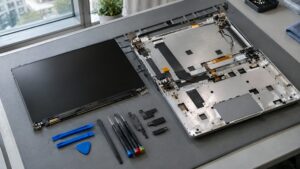
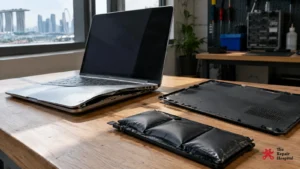
Laptop hinge repair starts with opening the laptop to see what has actually failed: the screws, the mounts, the hinge itself or the casing. The fix ranges from securing loose screws to reinforcing a cracked mount or fitting a replacement hinge. The display cable is checked at the same time.
| What the technician finds | What the repair usually involves |
|---|---|
| Loose hinge screws, with the mounts still intact | Securing the screws. The simplest fix |
| Cracked or pulled-out mounts | Reinforcing the mount area so the hinge has something solid to grip again |
| A bent, seized or snapped hinge | Replacing the hinge with a part that fits your model |
| Casing cracked around the hinge | Repairing the casing, or replacing the lid or base cover if the model’s part can be sourced |
| Flickering or lines as well | Checking and, if needed, replacing the display cable alongside the hinge repair |
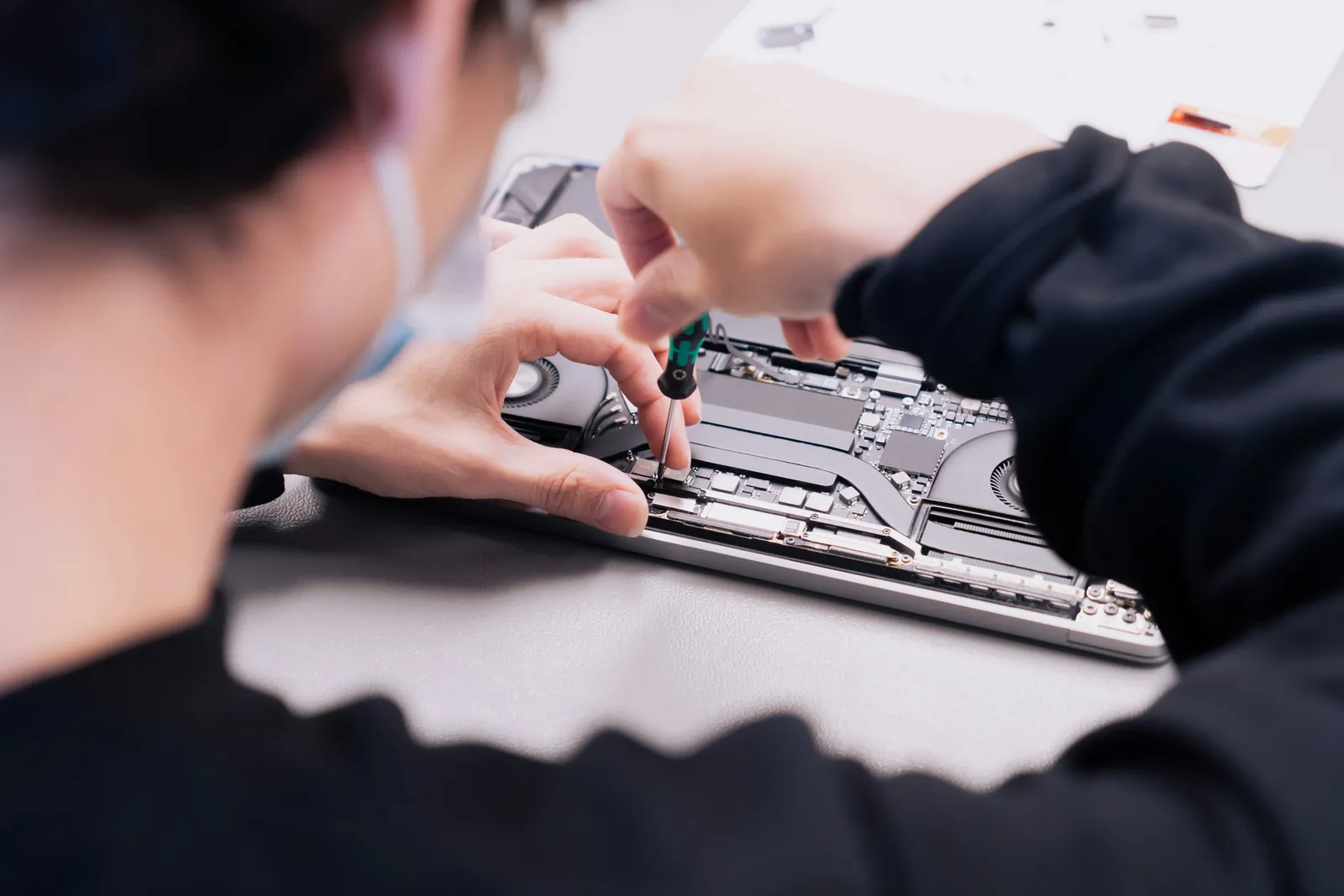
Tightening screws in a cracked mount only holds for a short while, so a good repair deals with the mount, not just the screws. It is also worth checking the other hinge. If one side failed because the lid was always opened from that corner, the other side has taken uneven strain too.
As a guide, hinge repair cost runs from $80 to $250, from loose screws up to a cracked mounting point.
Before you collect the laptop, open and close it a few times and check that the screen holds its angle and the display stays clear at every position.
Should you repair or replace a laptop with a broken hinge?
A hinge repair is usually worth it when the rest of the laptop works well, because only the joint between the screen and base has failed. Replacement makes more sense if the hinge damage has also cracked the screen, several other parts are failing, or the laptop is already too slow for your needs.
Age alone isn’t the deciding factor. For most laptops, the main limit is whether the right parts can still be sourced for your model. Compare your quote with what a comparable new laptop would cost, and think about how much longer you plan to use it.
Example: the hinge that was “only a bit loose”
Picture a polytechnic student who carries a laptop to class every day in a backpack. The screen starts to wobble when they type. It still opens and closes, so they ignore it. A few weeks later, one corner of the bezel starts to lift, and they press it back down each morning before a lecture.
Then the screen flickers when they tilt it back during a group project. By now, the mount has usually cracked, and the display cable has been pinched every time the lid moved. What could have been a small fix to the mount is now a mount repair plus a possible display cable replacement.
If your screen wobbles but doesn’t flicker yet, you are at the easier end of this story. That is the right time to have it looked at.
How do I book a laptop hinge repair in Singapore?
To book a laptop hinge repair in Singapore, WhatsApp or call +65 8282 3368 before visiting, with your laptop’s brand and model and a short description or photo of the hinge. Bring the laptop to our Main Service Centre in Aljunied, or drop it off at our Clementi drop-off point at King Potato Eyewear by appointment.
| Main Service Centre (Aljunied) | Drop-off point (Clementi) | |
|---|---|---|
| Address | ATRIX, 82 Lorong 23 Geylang, #06-12, Singapore 388409 | King Potato Eyewear, Blk 328 Clementi Ave 2, #01-192, Singapore 120328 |
| Getting there | 5-minute walk from Aljunied MRT (EW9), Exit B | 5-minute walk from Clementi MRT (EW23), Exit C |
| Opening hours | Monday to Saturday, 11am to 7pm; closed Sundays and public holidays | By appointment only, 11am to 7pm; closed Wednesdays and Sundays |
You’ll get a free diagnosis and a written quote that explains what has failed and what the repair involves. Nothing is repaired until you approve it. If a hinge or casing part has to be ordered for your model, the timing is confirmed with your quote.
Using a MacBook? See our MacBook repair in Singapore page instead.
Frequently asked questions
How long does a laptop hinge repair take?
It depends on what has failed and whether a part has to be ordered. Securing screws or reinforcing a mount is quicker than fitting a replacement hinge or casing. The timing for your model is confirmed with your quote after the free diagnosis.
Can a loose hinge damage my laptop screen?
Yes. The display cable runs through the hinge area, and a loose hinge lets the screen twist and pinch it. That can cause flickering, lines or a blank screen, and a twisting lid can also stress the panel. Getting the hinge fixed early protects the screen.
Why do laptop hinges break so often?
Usually it is not the metal hinge that breaks but the plastic mount it is screwed into. Opening the lid from one corner, a hinge that has become stiff, and knocks or drops all add strain over time until the plastic around the mount cracks.
Can I fix a loose laptop hinge myself?
If a screw is loose and you can reach it without opening the case, tightening it gently can buy time. Beyond that, the safest way to fix laptop hinge problems is to leave them to a technician. Glue, force and prising the case open often crack the mounts further or damage the display cable.
Is it worth fixing a hinge on an older laptop?
Often, yes, if the rest of the laptop still works well. The main limit is usually whether parts for your model can still be sourced, not the laptop’s age. Send your brand and model number when you get in touch, and we’ll tell you whether it’s worth repairing.